Healthcare
Reduce Workloads and Burden with Easy Quantitative
Analysis
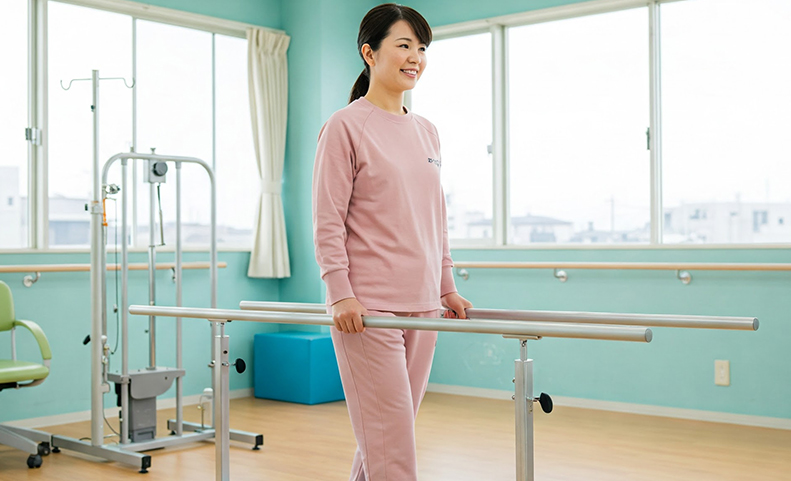
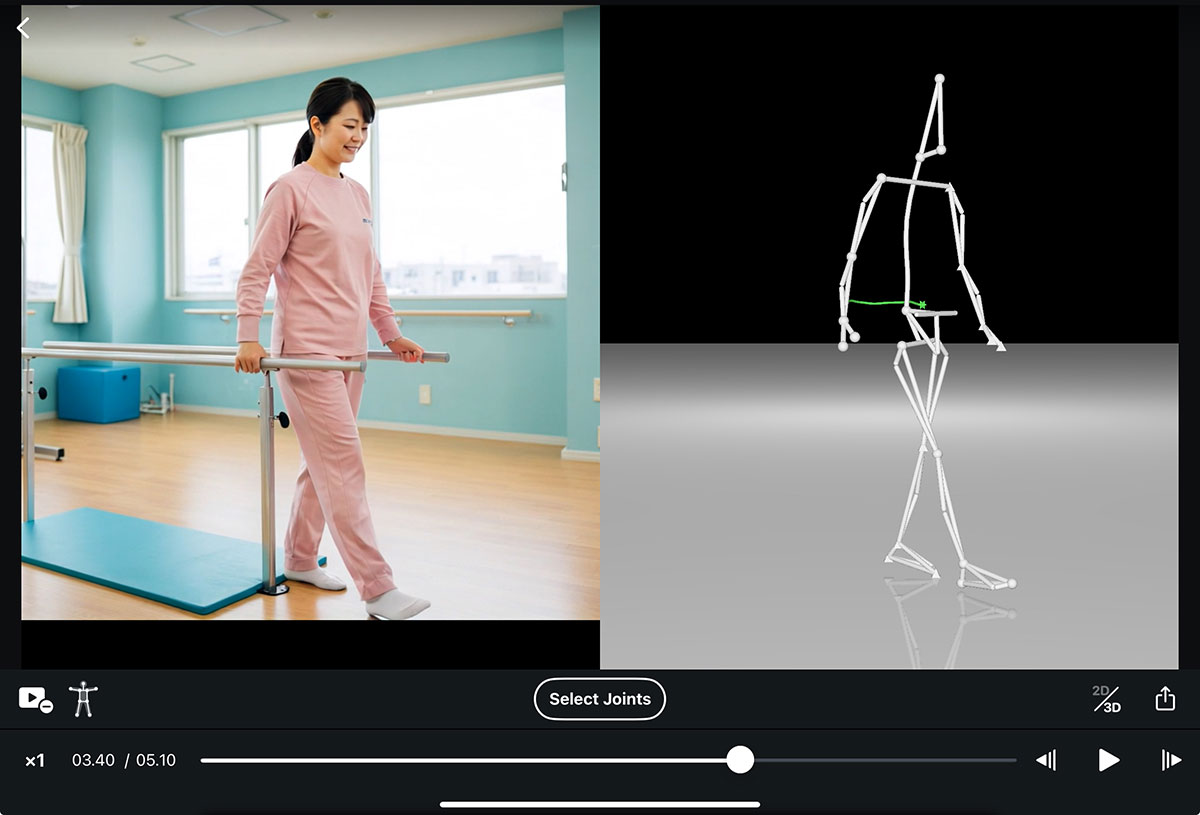
Anyone can easily perform motion analysis with just one device. This reduces workloads, eases physical
burdens, and simplifies the collection of research data.
Motion analysis requires too much manpower and cost...
Want to reduce the physical burden on patients during analysis...
Need to improve the quality of feedback provided to patients...
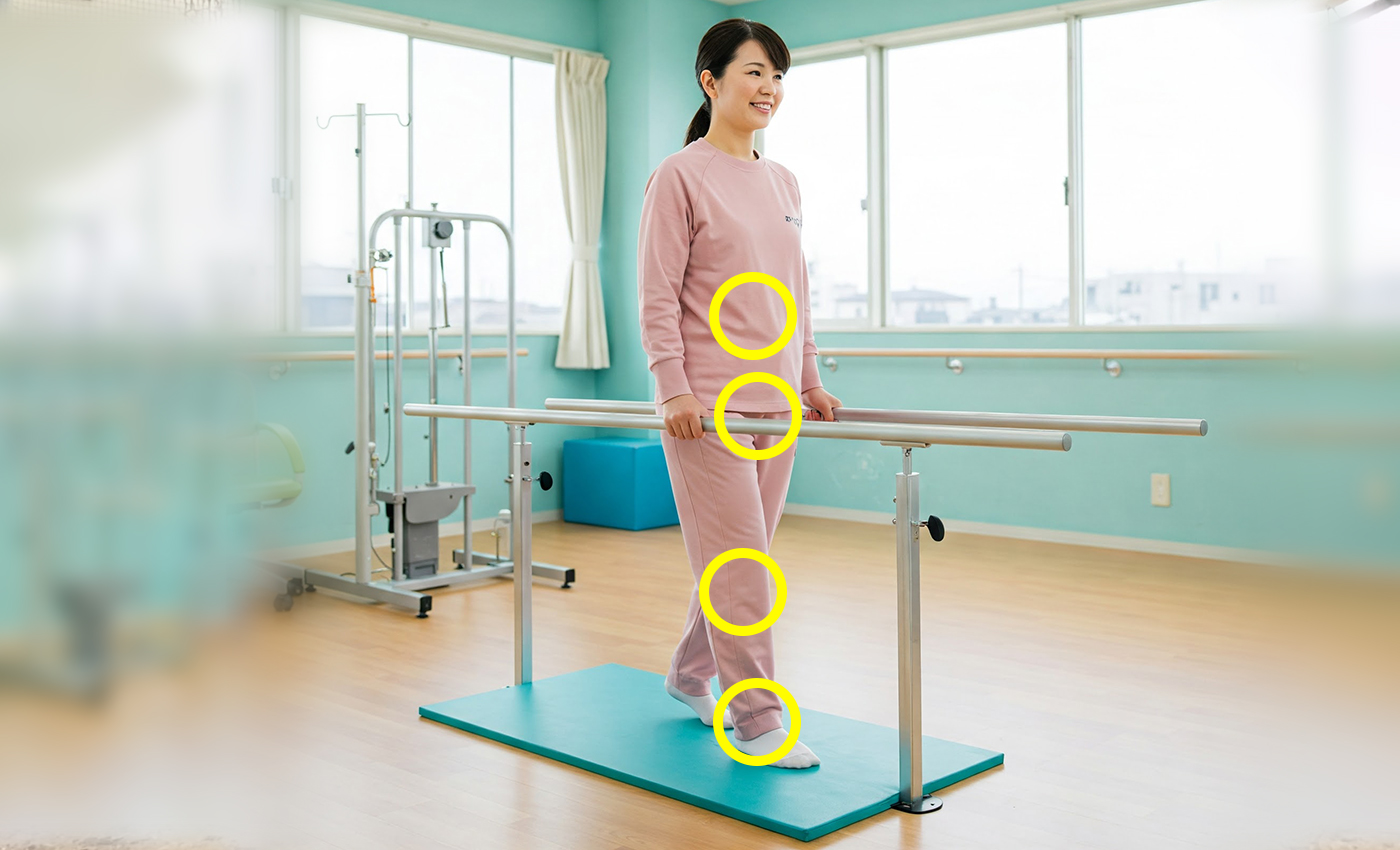
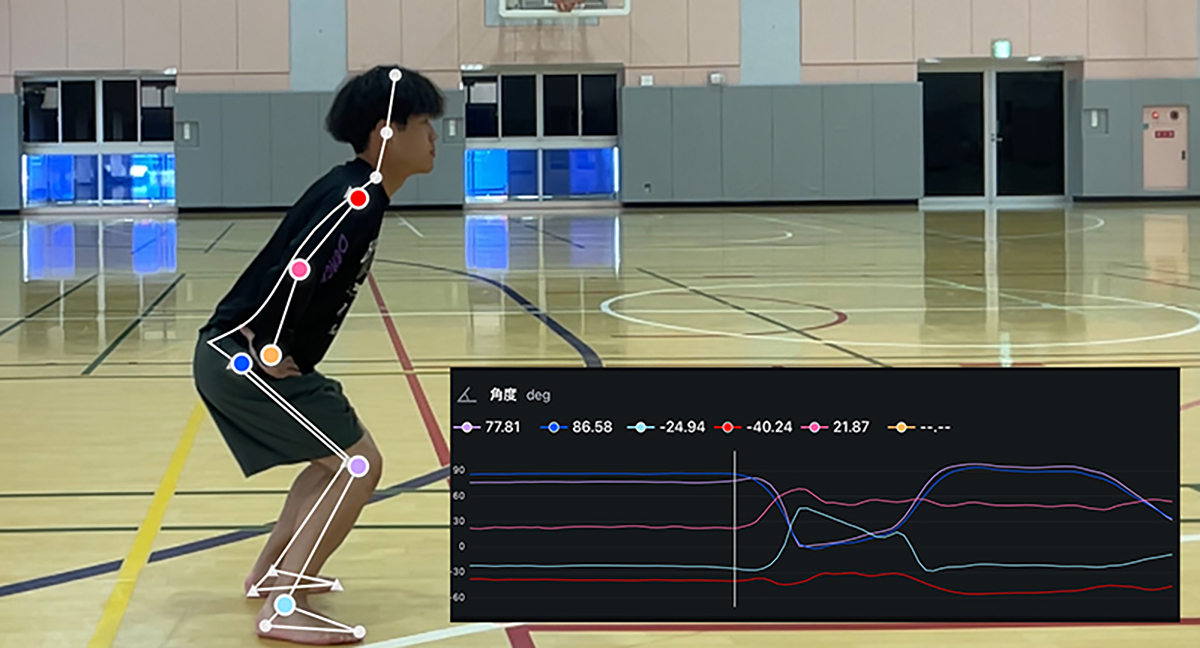
Measurement Points for Walking Motion (Example)
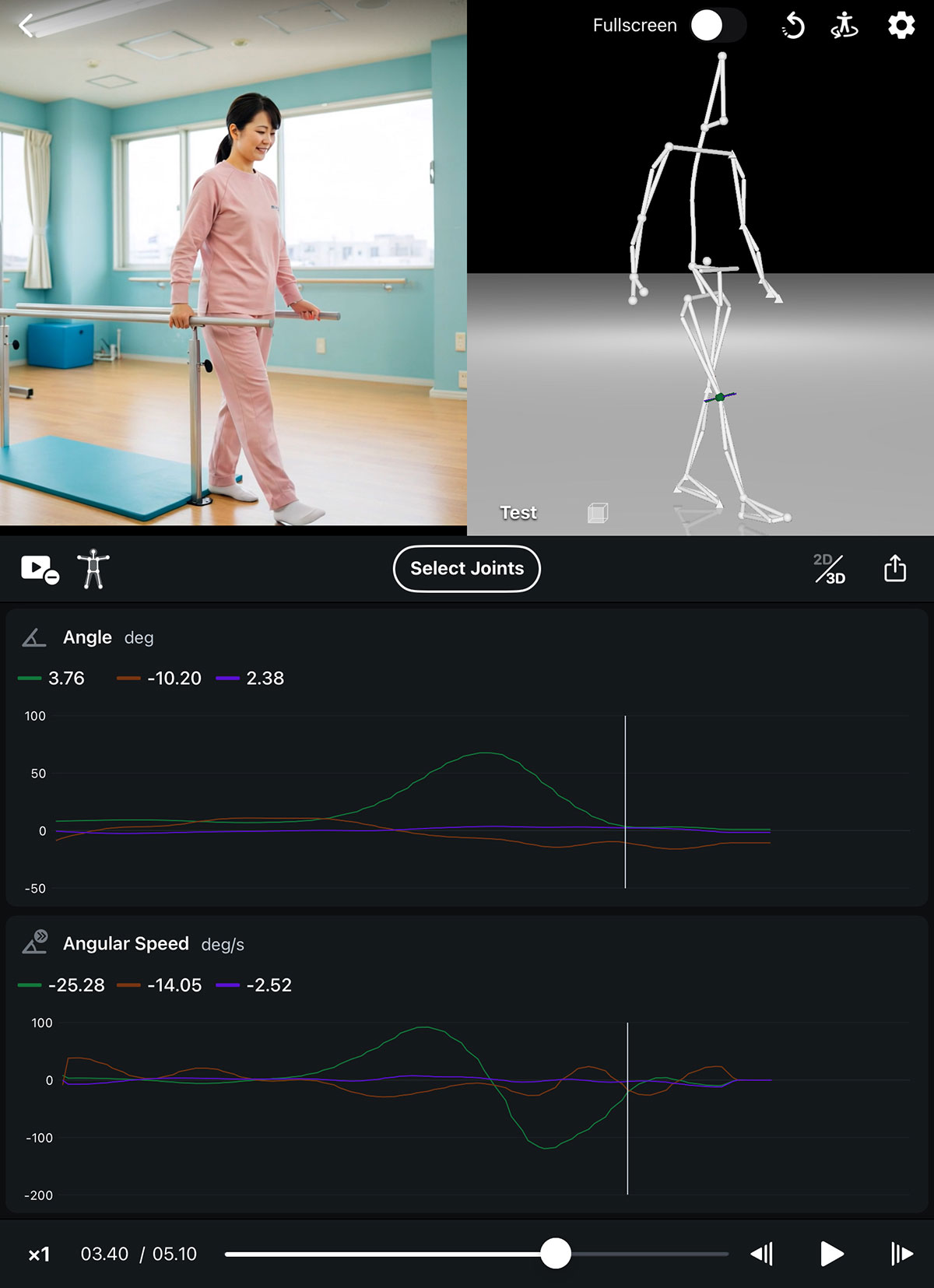
Joint Angles
- Knee joint
- Ankle joint
- Hip joint
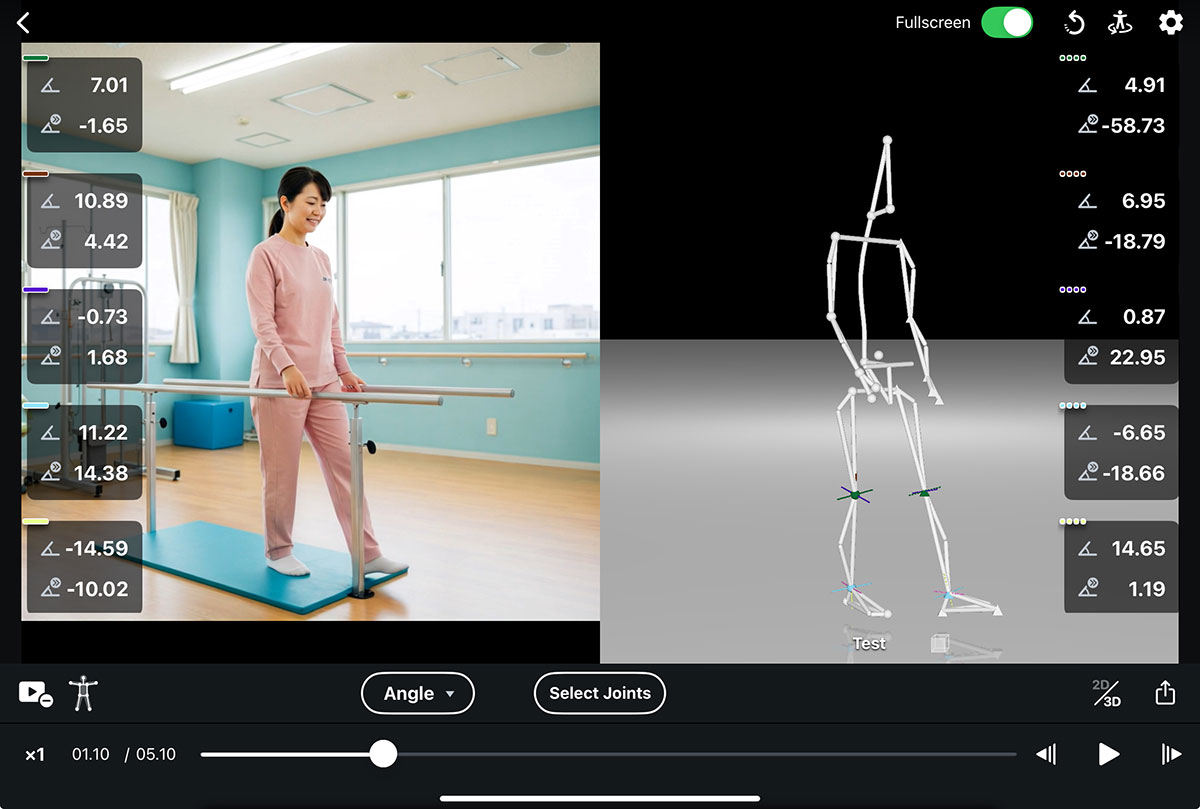
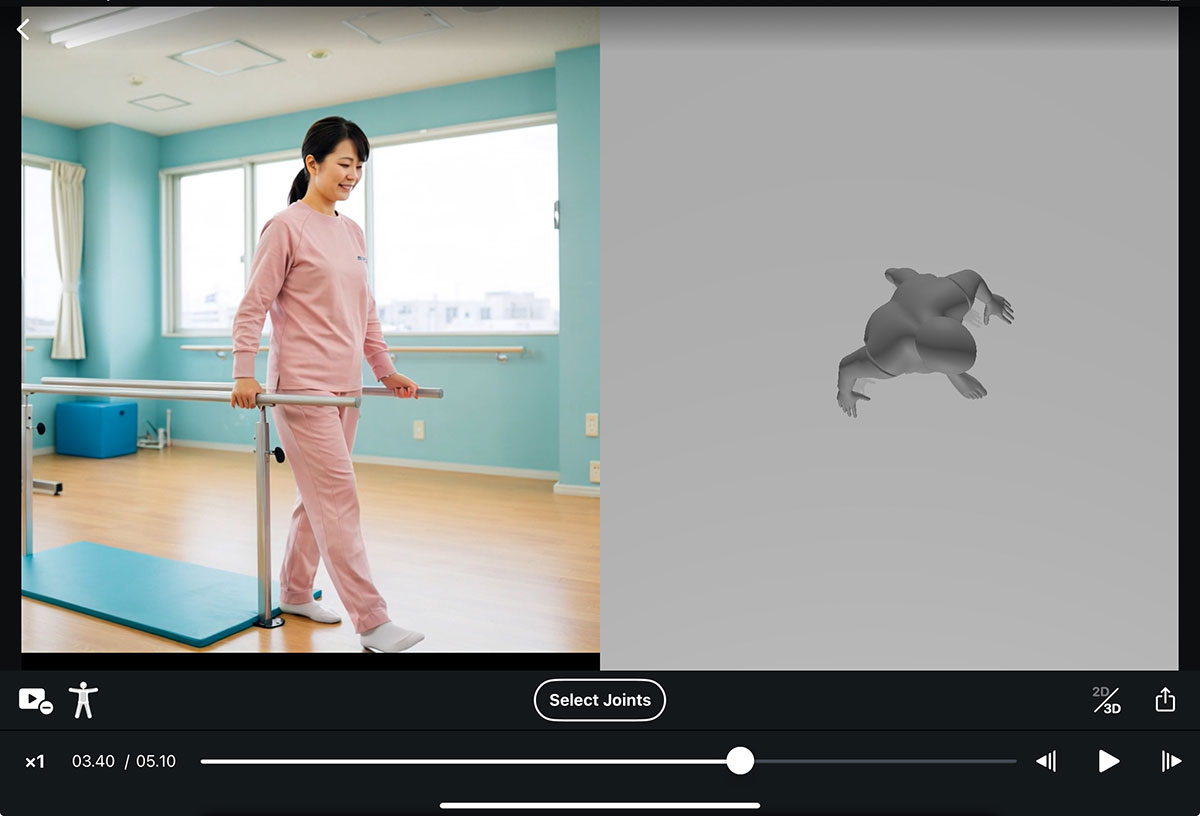
- Supports 3D model viewing and orientation switching.
- Graphing enables quantitative visualization of movements over time.
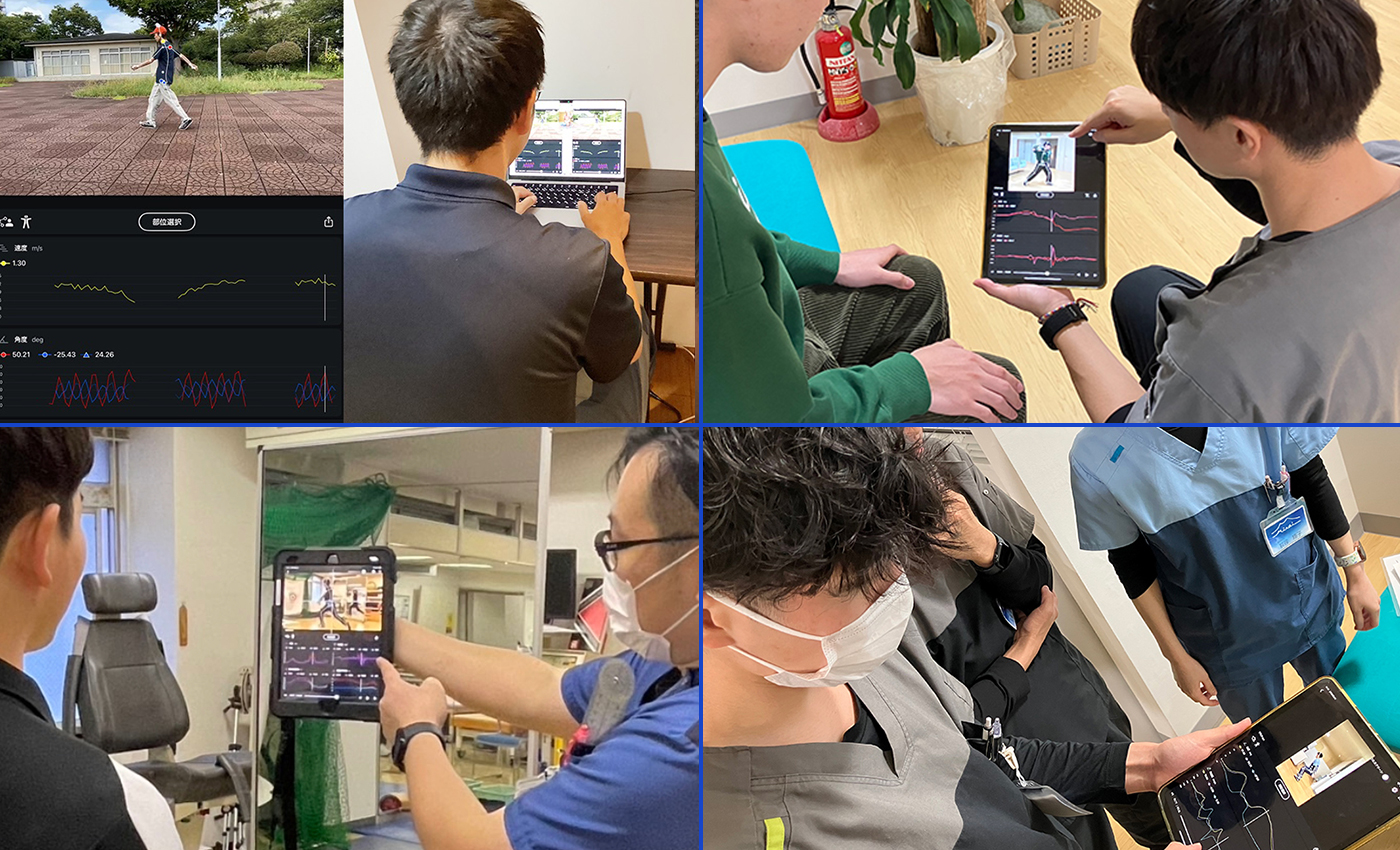
Testimonials from Medical Professionals
"Thanks to AI quantifying movements, we've moved beyond relying solely on experience for evaluations! It has
also led to increased patient motivation, whether in-person or remote."
"No need for patients to change clothes or prepare equipment—we can measure them as-is! This has
significantly reduced the burden on our patients."
"Quick and highly accurate measurements with just one device! It has reduced our workload and made our
research proceed much more smoothly."
Manufacturing
Workplace Improvement through Motion Visualization
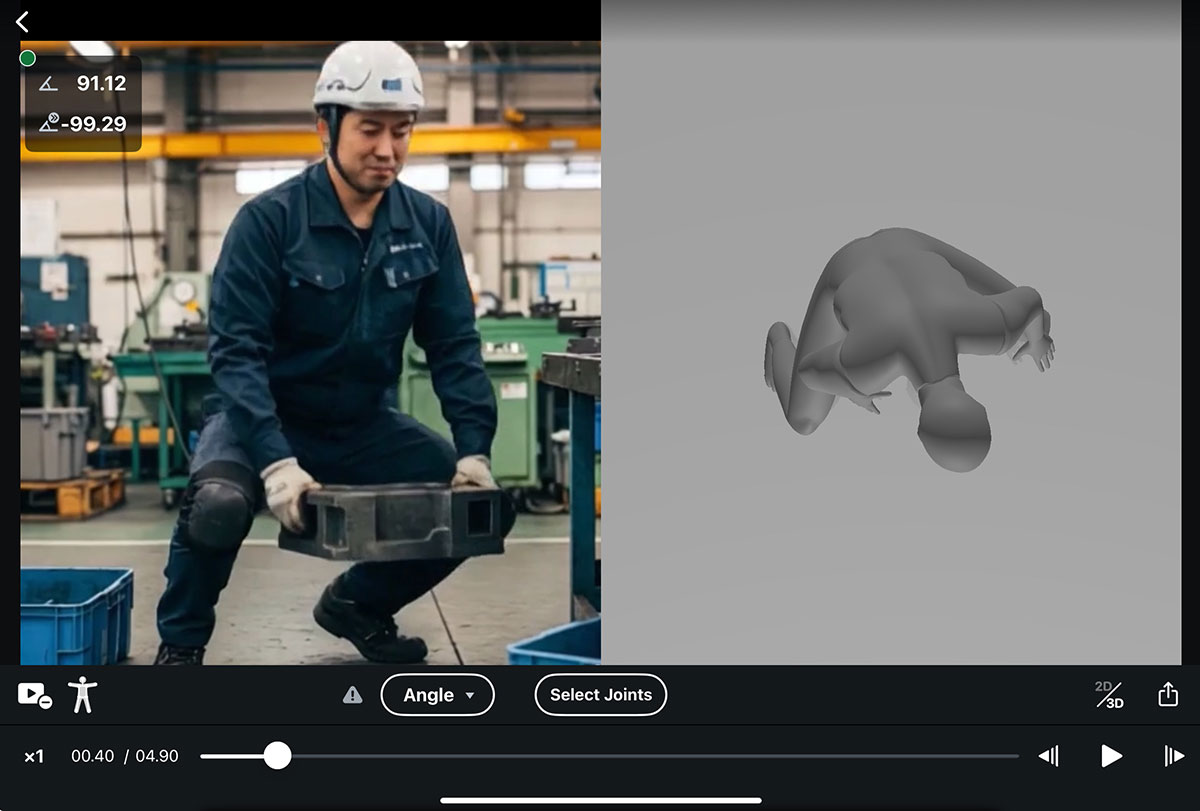
Leverage SPLYZA Motion to quantitatively visualize dangerous movements, postures, and physical strain from
an ergonomic perspective using video footage. Solve various challenges on the manufacturing floor by
reducing the risk of workplace accidents and standardizing safety and workload evaluations.
What is Ergonomics?
The study and technology of designing environments, tools, and systems so that humans can work comfortably
and efficiently. Incorporating ergonomics in manufacturing reduces worker strain and makes a safe,
comfortable working environment possible.
Want to visualize workloads using numerical data
Need to reduce the risk of workplace accidents
Want to eliminate inconsistencies in workload evaluations
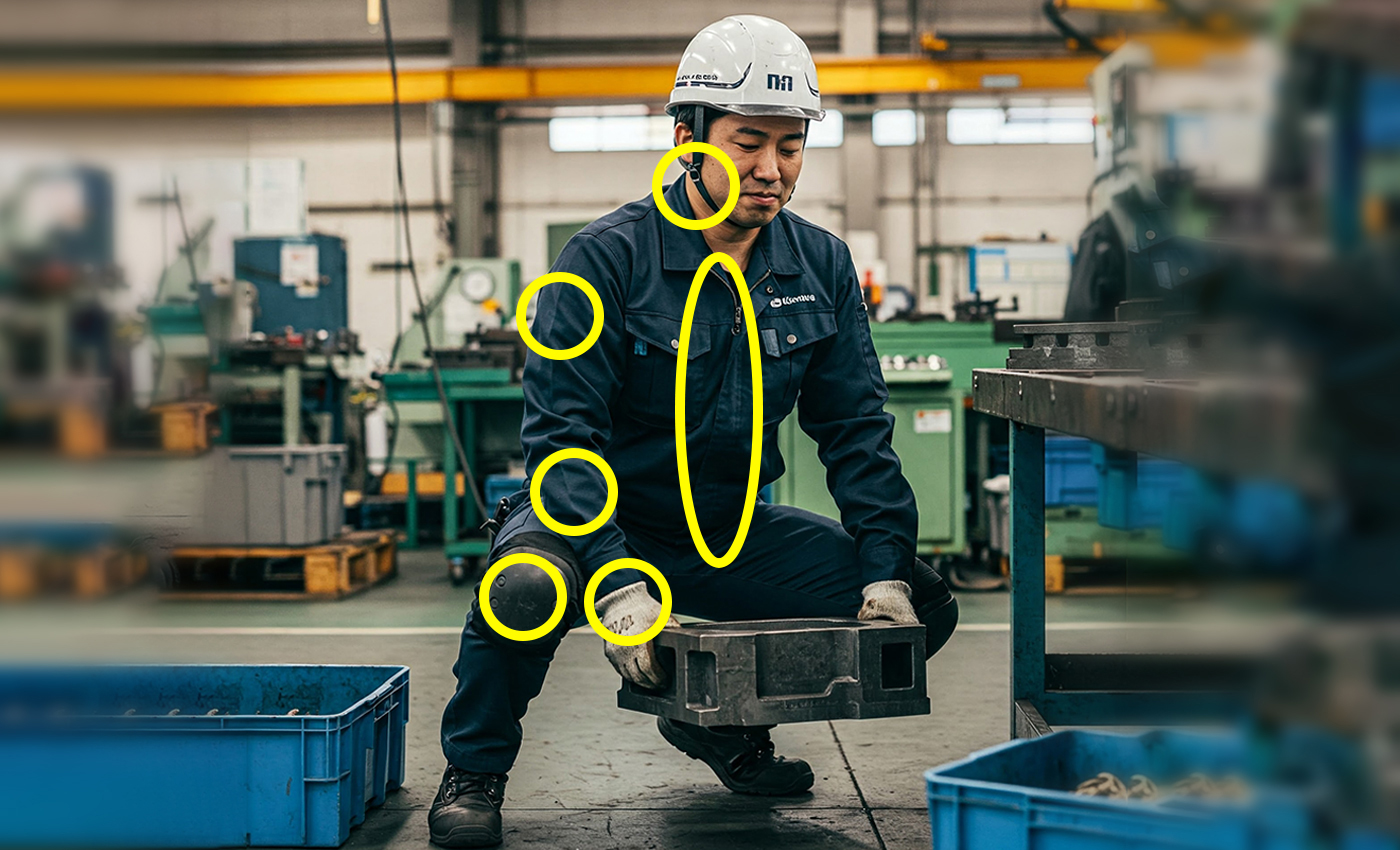
Key Points During Work Operations
Upper Limb Score
- Neck
- Upper arm
- Forearm
- Wrist
Record the motion you want to analyze.
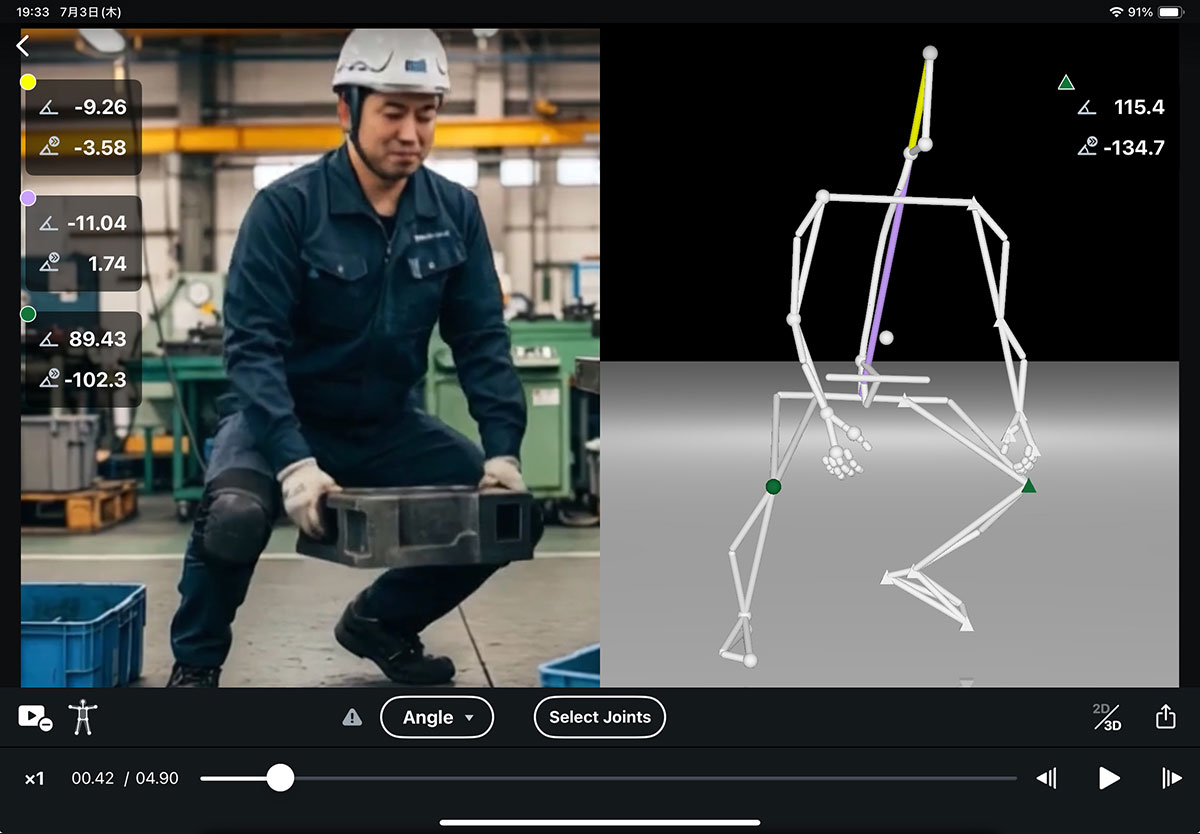
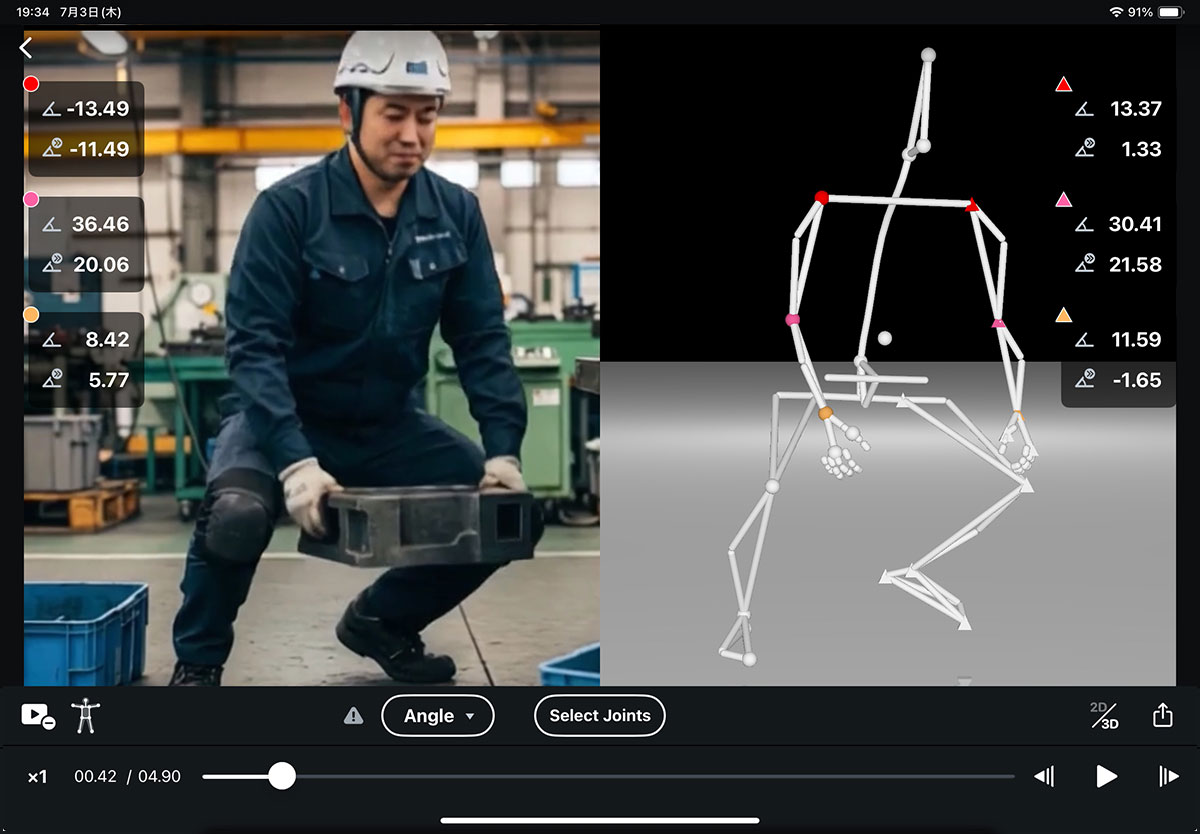
Analyze the recorded video with SPLYZA Motion.
Just tap the areas you want to analyze!
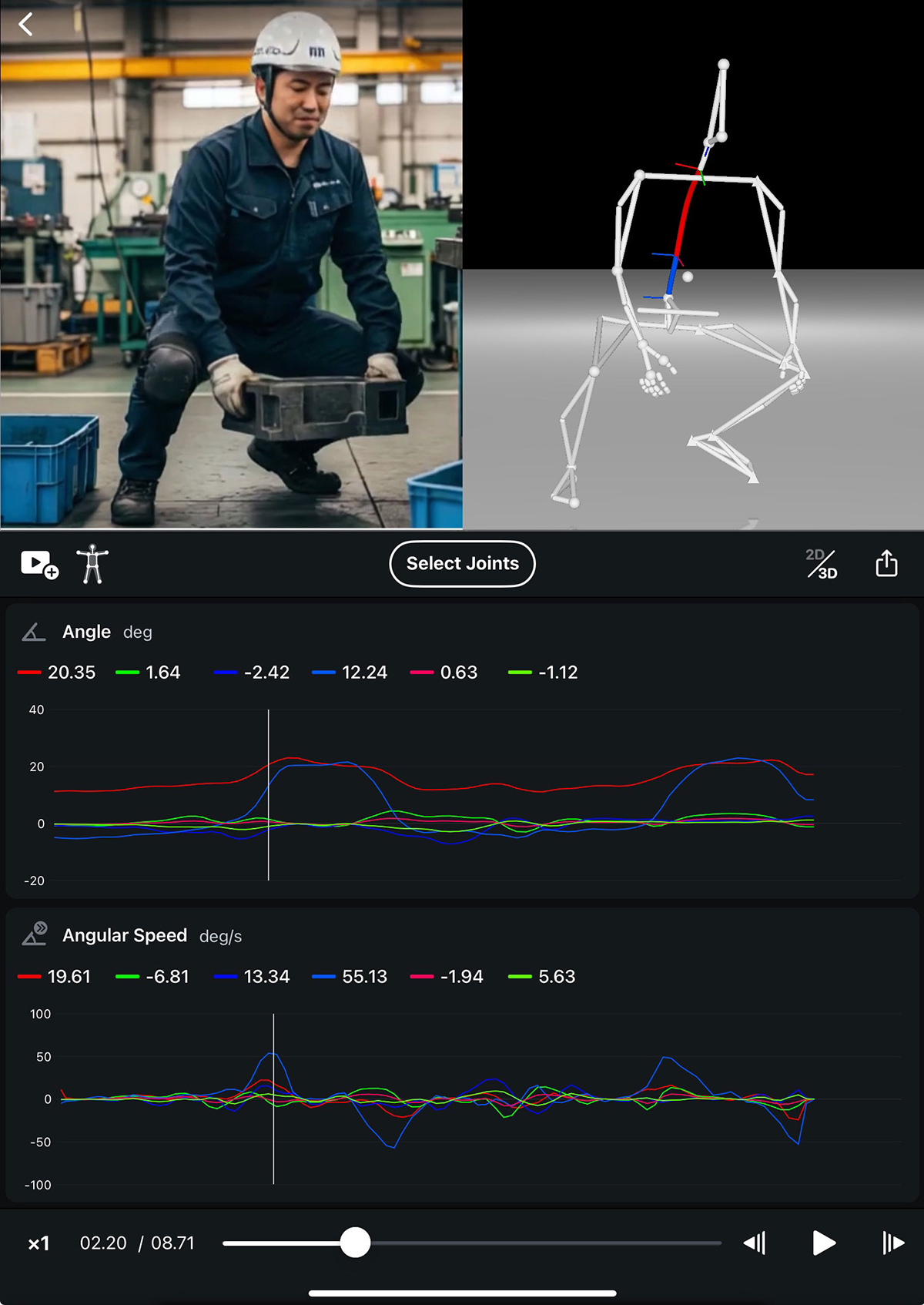
- Supports orientation switching, including 3D model views and overhead views.
- Graphing enables quantitative visualization of movements over time.
*Explore a real-world example of
the REBA ergonomic
assessment method in use.
Generate a score based on the workload assessment.
Utilize the quantitative data and scores obtained from SPLYZA Motion to implement
actionable operational improvements.